

How To Remove Toyota Maintenance Required Light
Your Toyota’s maintenance required light just came on, and now you’re wondering what to do next. It’s a simple warning, but ignoring it can lead to bigger problems down the road.
You don’t have to rush to the mechanic or feel overwhelmed. This guide will show you exactly how to reset that light quickly and easily. By the end, you’ll have the confidence to handle it yourself and keep your Toyota running smoothly.
Ready to take control of your car’s care? Let’s dive in.

Credit: www.tvtoyota.com
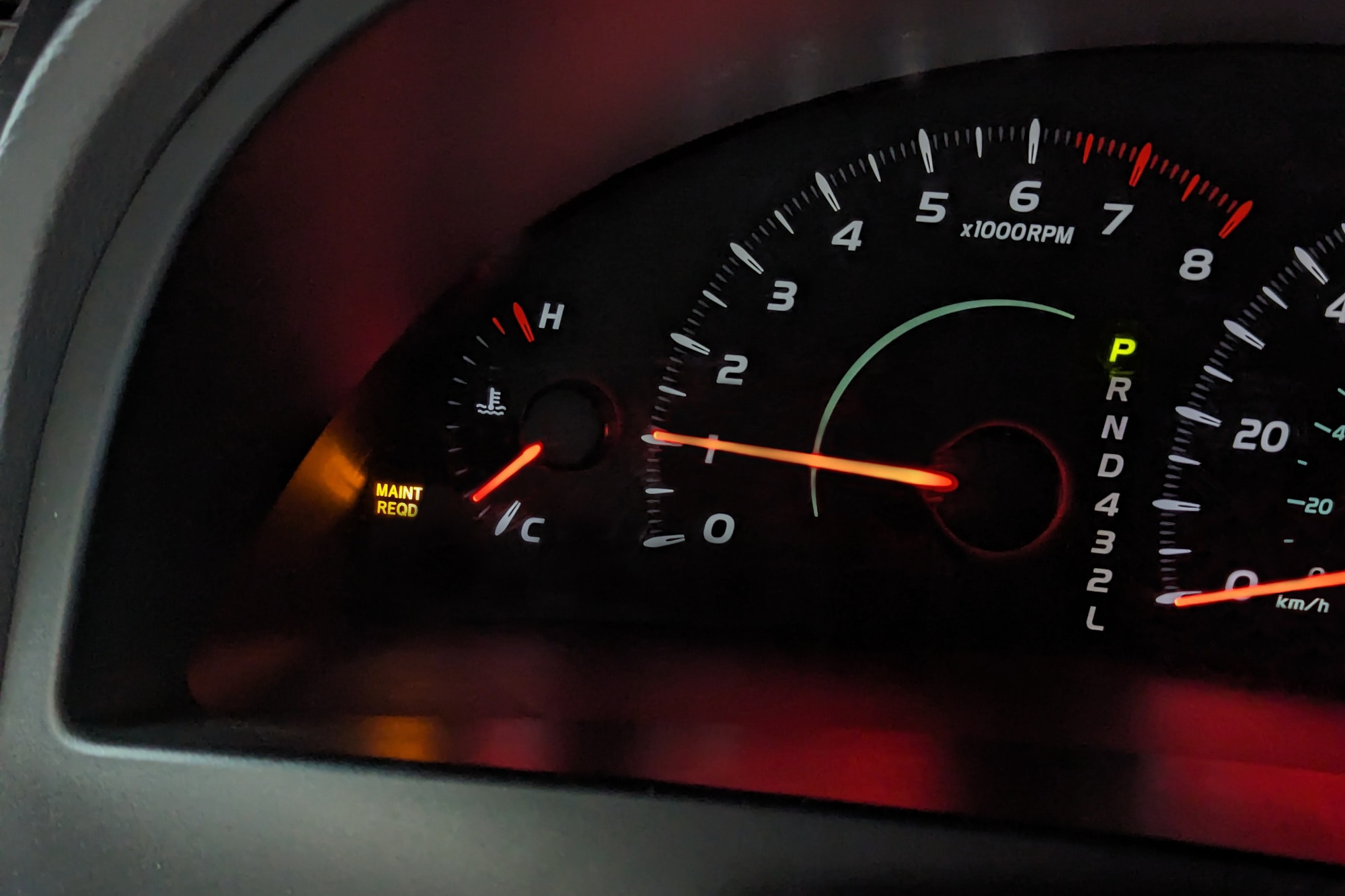
Why The Light Comes On
The Toyota Maintenance Required light alerts drivers about necessary vehicle care. It helps keep the car in good condition. Understanding why this light turns on prevents confusion and worry. This section explains the main reasons behind the alert.
Scheduled Maintenance Alerts
The light usually comes on after a set number of miles. It reminds drivers to service the car. Typical tasks include oil changes and filter replacements. Toyota sets these alerts to avoid engine problems. Regular maintenance helps the car run smoothly. Ignoring these alerts can lead to costly repairs.
Common Trigger Causes
Besides scheduled alerts, other issues can trigger the light. Low oil levels or dirty oil often cause it to appear. Faulty sensors or loose gas caps may also be reasons. Sometimes, the light stays on after maintenance due to a reset issue. Identifying the exact cause helps in proper car care.
Credit: www.capitalone.com
Preparation Before Resetting
Before resetting the Toyota maintenance required light, proper preparation is essential. This step helps avoid errors and ensures the light resets correctly. Taking time to prepare makes the process smoother and safer for your vehicle.
Gathering Necessary Tools
Collect all tools needed for the reset. Usually, no special tools are required.
Check your car manual for specific items. A simple key or button may be enough.
Having a clean cloth is helpful to wipe the dashboard if needed.
Ensuring Maintenance Completion
Confirm that all scheduled maintenance is done. The light signals when service is due.
Check oil levels, filters, and other routine tasks. Skipping this step can cause damage.
Resetting without completing maintenance can lead to bigger problems later.
Reset Steps For Most Toyota Models
Resetting the maintenance required light on most Toyota models is simple. This light comes on to remind you about regular service. Clearing it after maintenance keeps your dashboard clean. You do not need special tools or a mechanic for this reset. Just follow a few easy steps. These methods work on many Toyota cars, including Camry, Corolla, and RAV4.
Using The Odometer Button
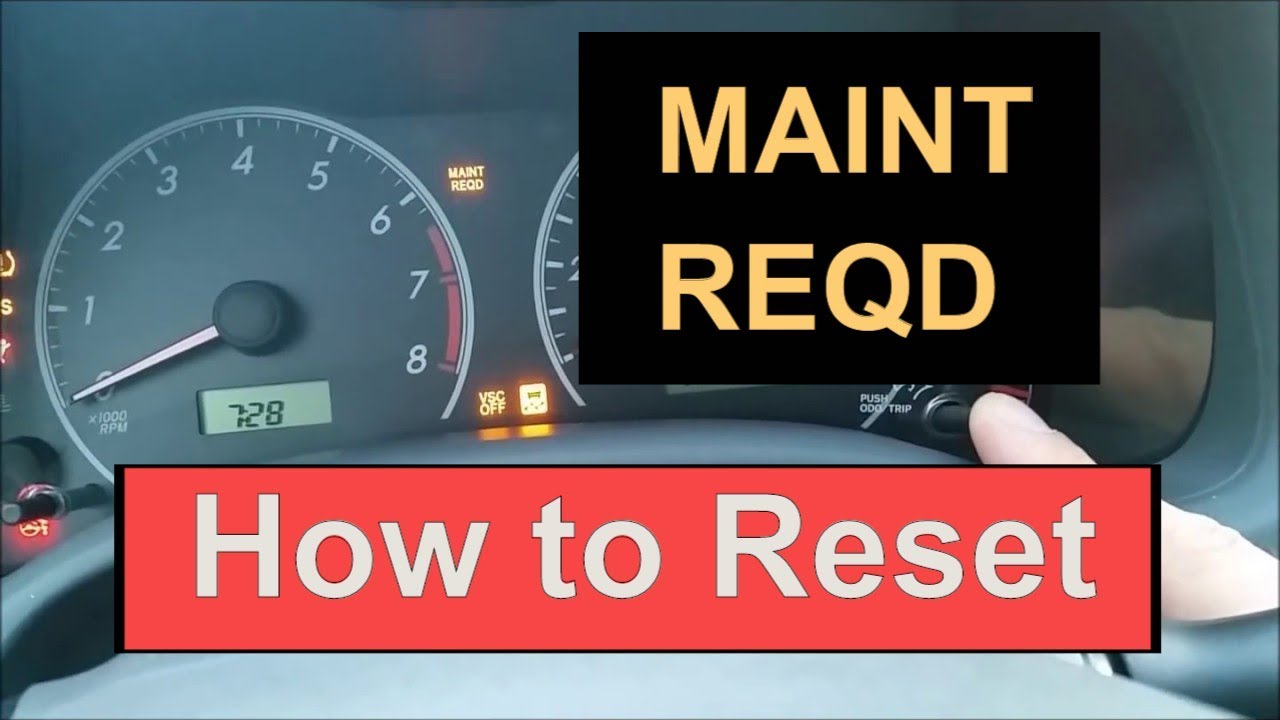
Turn the ignition to the “Off” position. Find the odometer button on the dashboard. Press and hold the odometer button. While holding the button, turn the ignition to “On” without starting the engine. Keep holding the button for about 10 seconds. Watch the maintenance light blink and then turn off. Release the button. The light should now be reset.
Ignition Key Method
Insert the key into the ignition. Turn the key to the “On” position without starting the engine. Press the gas pedal slowly three times within five seconds. Turn the ignition back to “Off.” Turn the key “On” again. The maintenance required light will go off. This method works on some older Toyota models.
Resetting On Newer Toyota Models
Resetting the maintenance required light on newer Toyota models is simple. The process varies slightly depending on your vehicle’s system. Most recent Toyotas use either a touchscreen interface or a multi-information display. Both methods help clear the maintenance alert after service. Follow the steps carefully to ensure the light resets correctly.
Touchscreen Interface Reset
Start your Toyota and keep it in park. Access the main menu on the touchscreen. Find the “Settings” or “Setup” option and tap it. Look for “Vehicle Settings” or “Maintenance” in the list. Select “Maintenance Required” or “Reset Maintenance Light.” Confirm your choice to reset the light. The display should show a confirmation message. Turn off the engine and restart. Check if the maintenance light is off.
Multi-information Display Reset
Turn the ignition to the “On” position without starting the engine. Use the steering wheel buttons to navigate the display. Find the “Settings” or “Vehicle Information” menu. Scroll to “Maintenance” or “Oil Maintenance.” Press and hold the “OK” or “Reset” button. Hold until the maintenance light blinks or resets. Release the button and turn off the ignition. Start the engine to confirm the light is gone.
When The Light Won’t Reset
The Toyota maintenance required light is designed to remind you about regular service. Sometimes, the light does not reset even after maintenance. This can cause confusion and frustration. Understanding why the light stays on helps solve the problem quickly.
Troubleshooting Common Issues
Check the reset procedure carefully. Each Toyota model may have a different method. Make sure to follow the steps exactly. A weak battery can cause the light to stay on. Test your battery and replace it if needed. Faulty sensors or electrical issues might also prevent resetting. Inspect the fuse box for any blown fuses. Clean the dashboard buttons to avoid false signals.
When To Visit A Mechanic
Persistent warning lights can indicate deeper problems. Visit a mechanic if the light stays on after multiple reset attempts. Professionals can scan the car’s computer for error codes. They check sensors and electrical systems thoroughly. Do not ignore the light; it may signal important maintenance. A timely visit prevents costly repairs later.
Credit: www.youtube.com
Tips To Avoid Future Alerts
Keeping the Toyota maintenance required light off saves time and worry. Simple habits help avoid frequent alerts. Follow some easy tips to keep your car running smoothly and your dashboard clear.
Regular Maintenance Schedule
Stick to the maintenance schedule in your Toyota owner’s manual. Change oil, filters, and fluids on time. Regular check-ups stop small problems from growing. This keeps the car healthy and the light off. Write down service dates to remember them easily.
Using Toyota’s Maintenance App
Download Toyota’s maintenance app for reminders and tips. The app tracks your service needs and alerts you early. It helps plan visits to the service center. The app keeps maintenance simple and organized. Using it lowers the chance of missed services.
Frequently Asked Questions
How Do I Reset Toyota Maintenance Required Light?
To reset the light, turn the ignition to “On” without starting. Press the trip meter reset button until “ODO” shows. Turn ignition off, then back on. Press and hold the trip meter button for about 10 seconds until the light resets.
What Triggers Toyota Maintenance Required Light To Appear?
The light appears after 5,000 miles or 6 months, signaling scheduled maintenance. It reminds you to change oil and check essential components for optimal performance.
Can I Ignore Toyota Maintenance Required Light Safely?
Ignoring the light can lead to engine damage or reduced efficiency. Timely maintenance keeps your vehicle reliable and safe. Always address the warning promptly.
Does Disconnecting The Battery Reset Toyota Maintenance Light?
Disconnecting the battery may reset the light temporarily but can erase other settings. Use the trip meter reset method for a proper reset.
Conclusion
Removing the Toyota maintenance required light is simple and quick. Just follow the steps carefully to reset the light. This helps keep your car running smoothly. Regular checks prevent bigger car problems later. Stay safe by keeping your vehicle well-maintained.
Remember, the light reminds you to service your car on time. Taking action now saves money and stress later. Keep this guide handy for the next time the light comes on. Your Toyota will thank you with better performance and reliability.


